Get paid
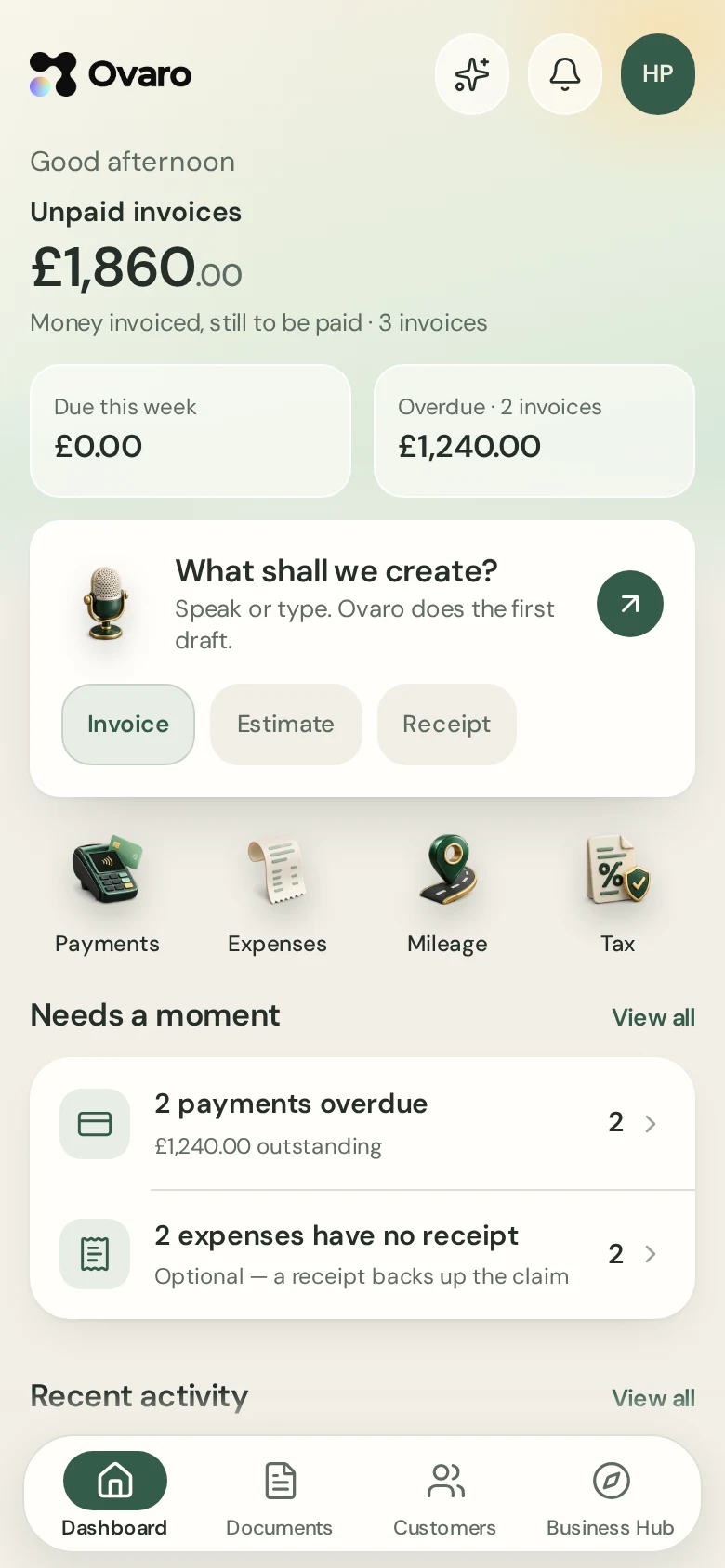
Invoices your customers can pay online.
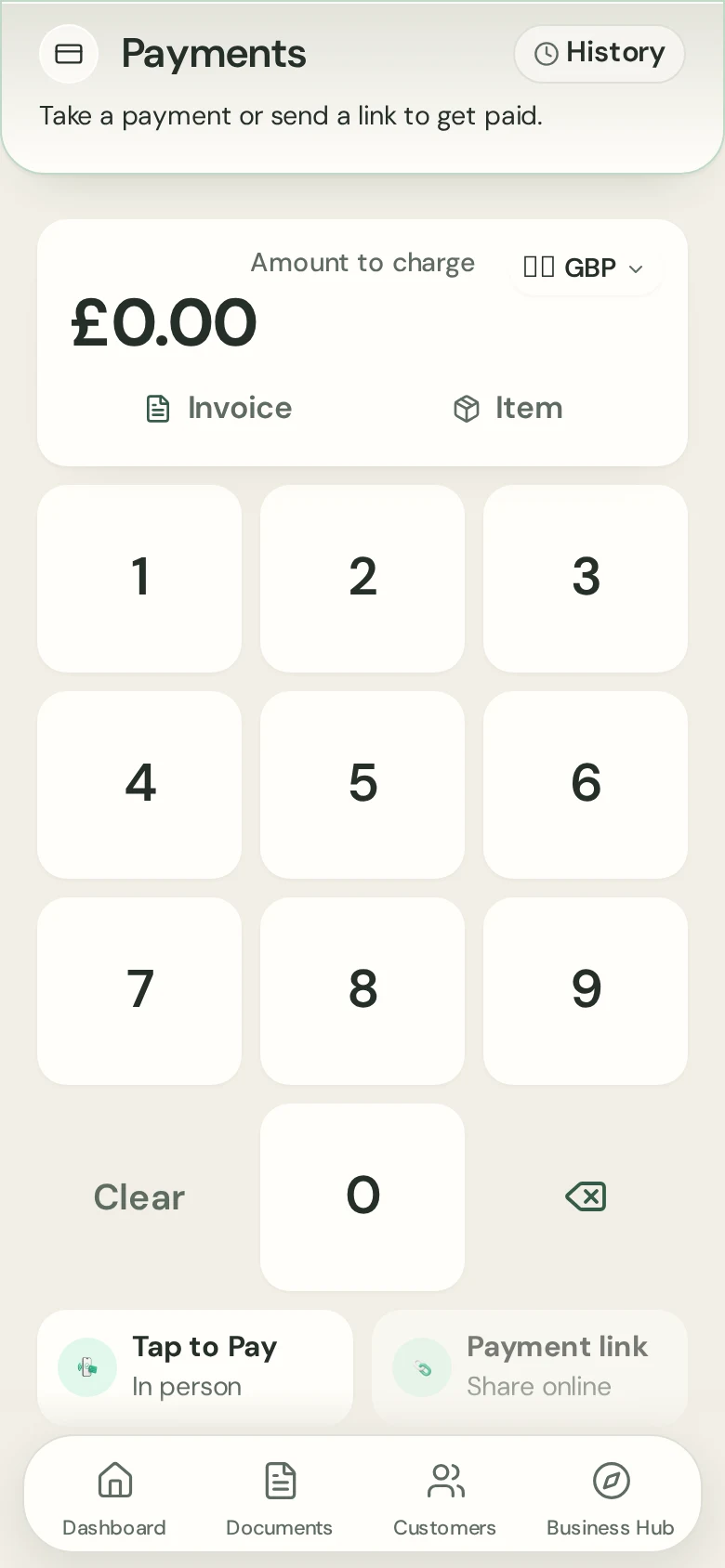
Pay by card online through Stripe. Add your bank details and they show on every invoice, so customers can pay the way that suits them.
7-day free trial on either plan. Card taken at start. Cancel anytime.
Benefits
Pay by card online
Connect Stripe and each invoice carries a secure payment link.
Bank transfer
Add your bank details and they show on every invoice.
See what is owed
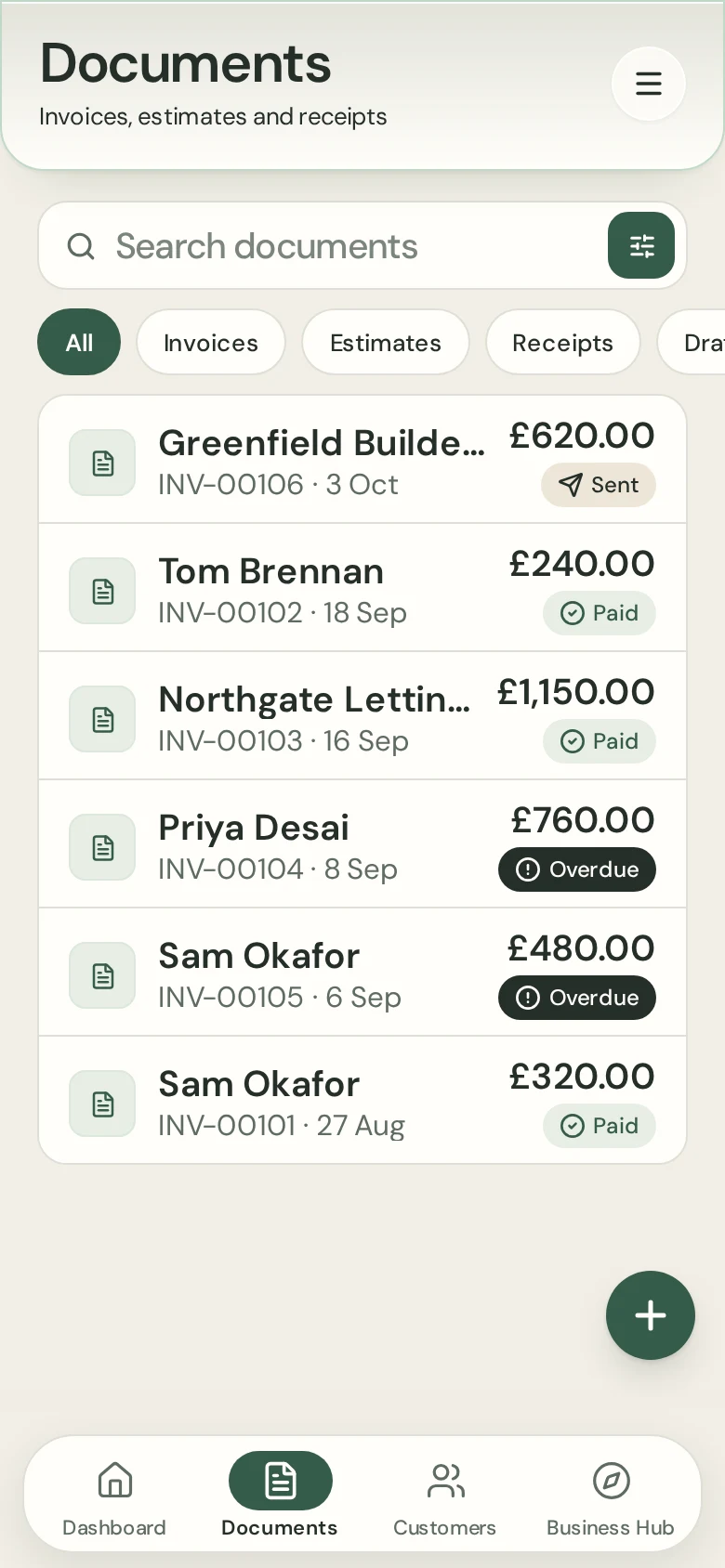
Due and overdue invoices are listed on your Dashboard.
How it works
- 1
Connect Stripe
Set up card payments once from Settings.
- 2
Send the invoice
Your customer gets an email with a pay link.
- 3
See it paid
Paid invoices update in Ovaro automatically.
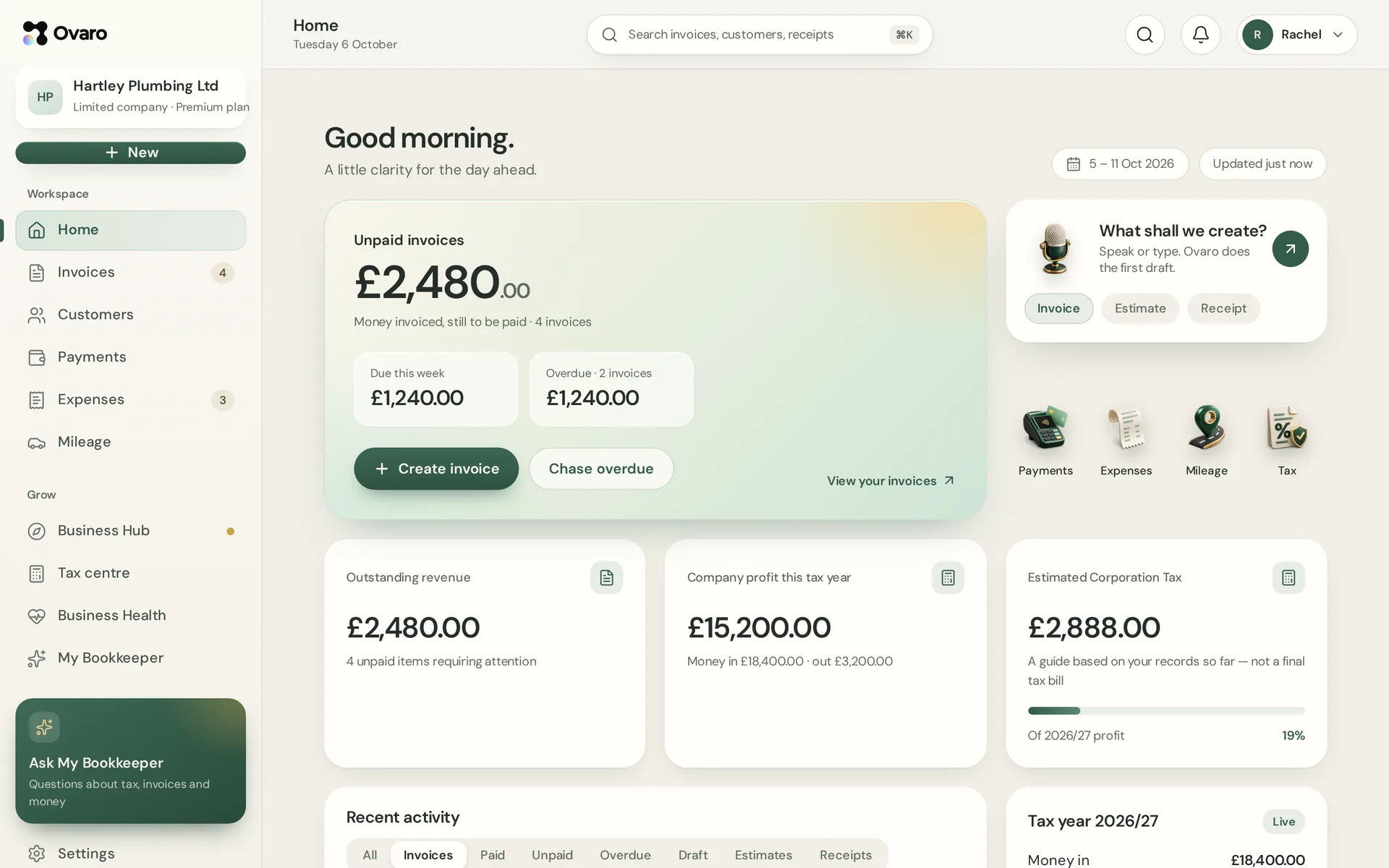
The same account on your computer
Sign in on the web and see the same documents, customers and figures as on your phone.
Questions
Who processes card payments?
Stripe. Ovaro never stores your customers' card details.
Do I have to use Stripe?
No. You can add bank details and take transfers instead.
Can I mark an invoice paid myself?
Yes, for cash or transfers you receive outside Stripe.