Receipts and expenses
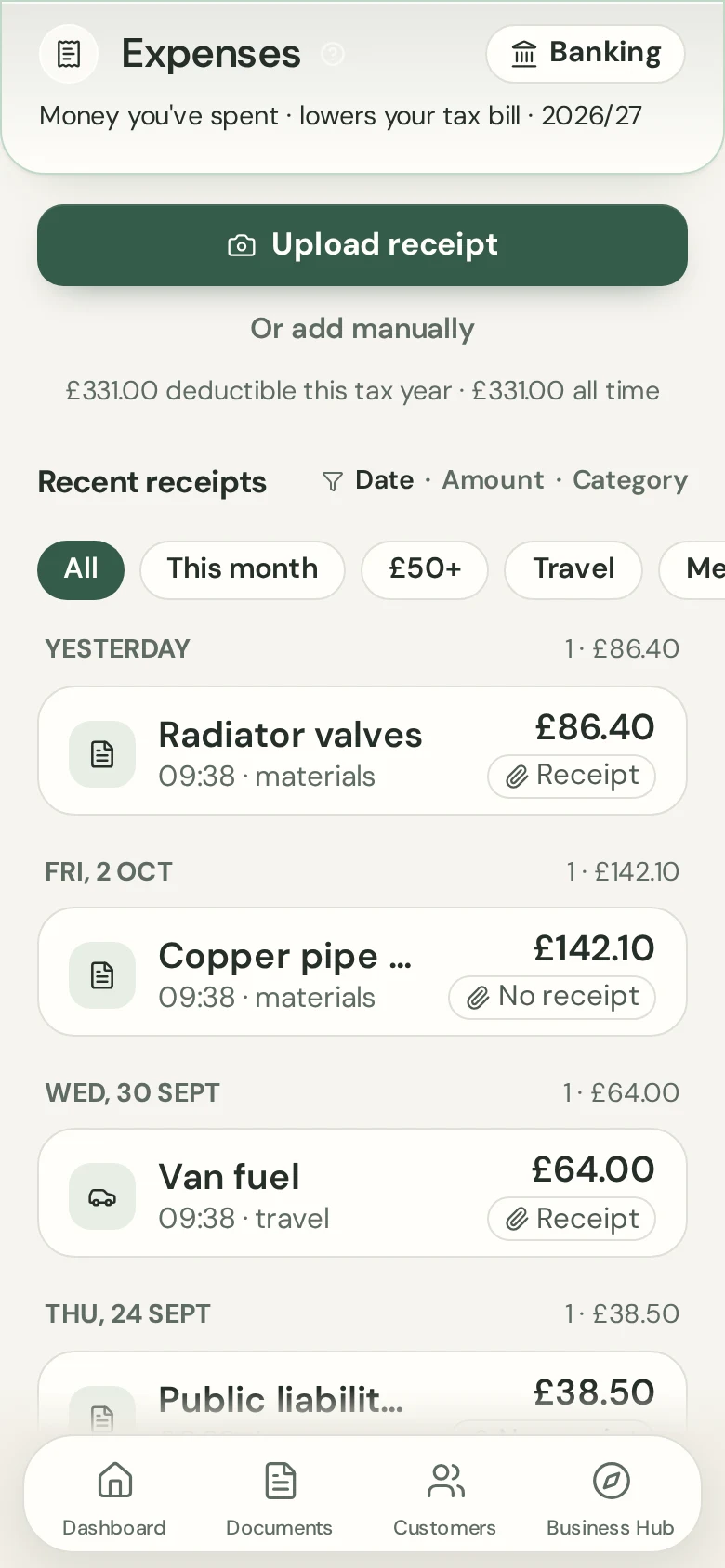
Photograph a receipt. Ovaro reads it.
Take a photo and Ovaro fills in the supplier, amount, date, VAT and category for you to check. The photo stays with the expense.
7-day free trial on either plan. Card taken at start. Cancel anytime.
Benefits
Read for you
Supplier, amount, date, VAT and category are filled in from the photo.
Check and edit
Change anything before you save it.
Kept on file
The original photo stays attached to the expense.
How it works
- 1
Snap the receipt
Use your camera or pick a photo.
- 2
Check the details
Fix anything Ovaro read wrongly.
- 3
Save the expense
It counts towards your tax estimate.
The same account on your computer
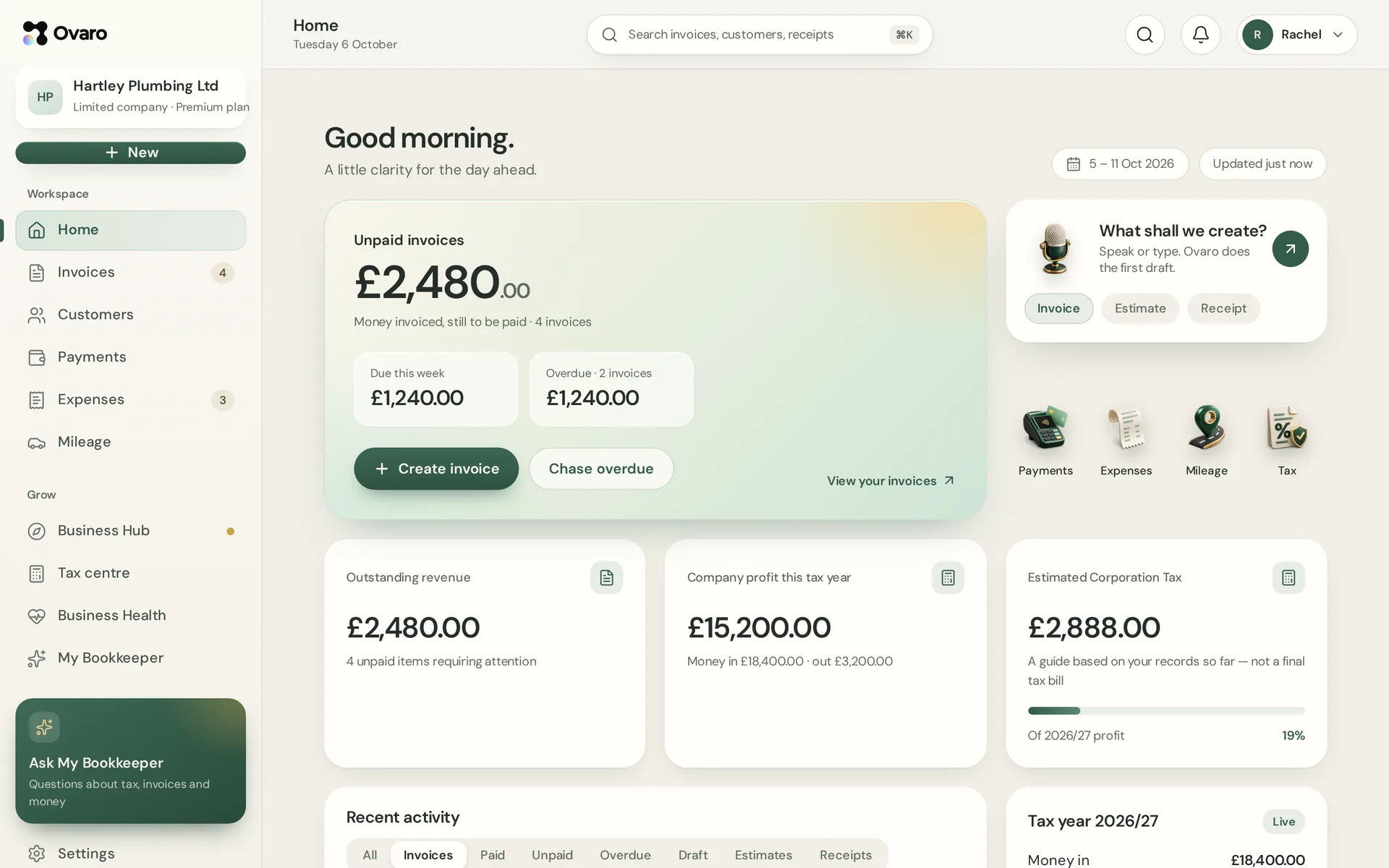
Sign in on the web and see the same documents, customers and figures as on your phone.
Questions
Can I add an expense without a photo?
Yes. You can type an expense in by hand.
Is the photo kept?
Yes. It stays attached to the saved expense.
Can I change the category?
Yes. Every field can be edited before and after saving.