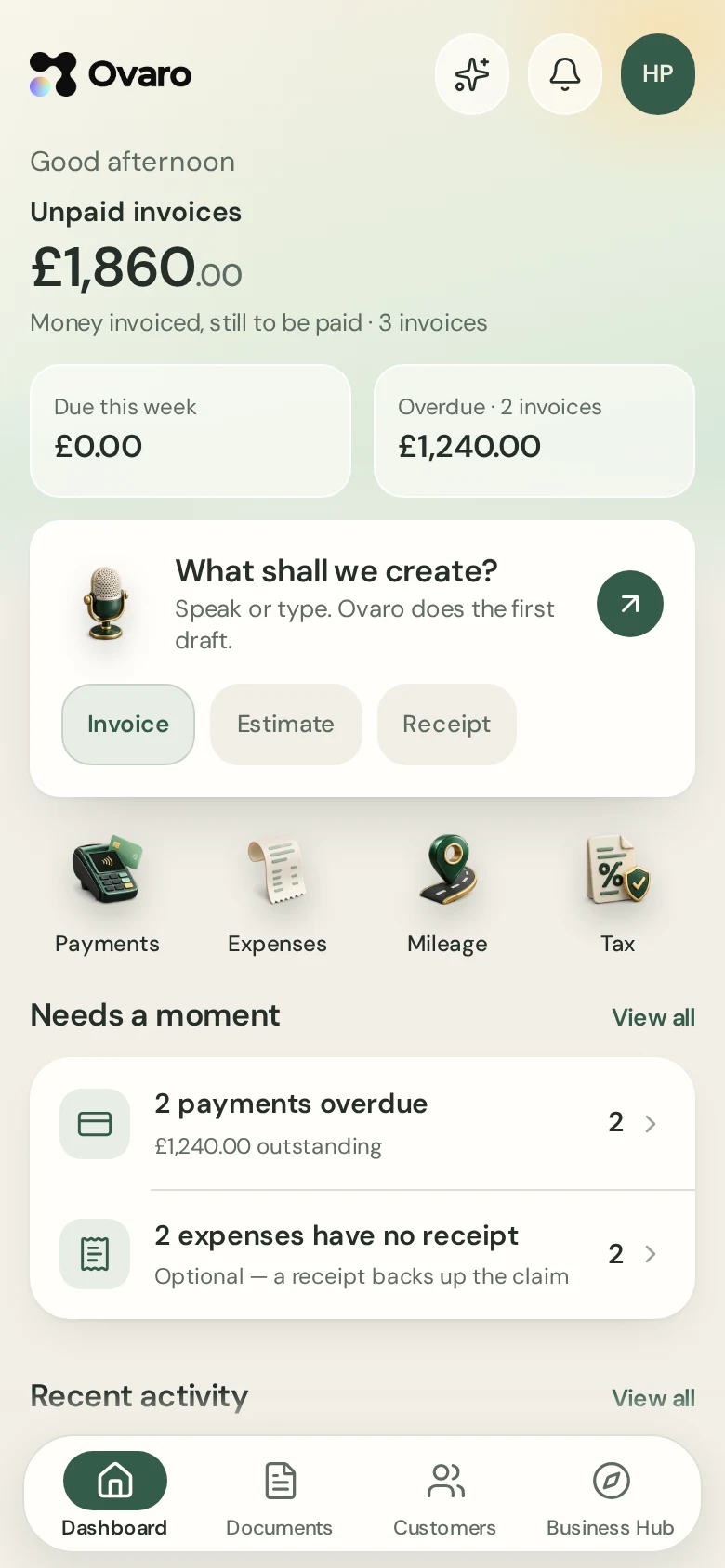
Mileage
Log business miles at HMRC rates.
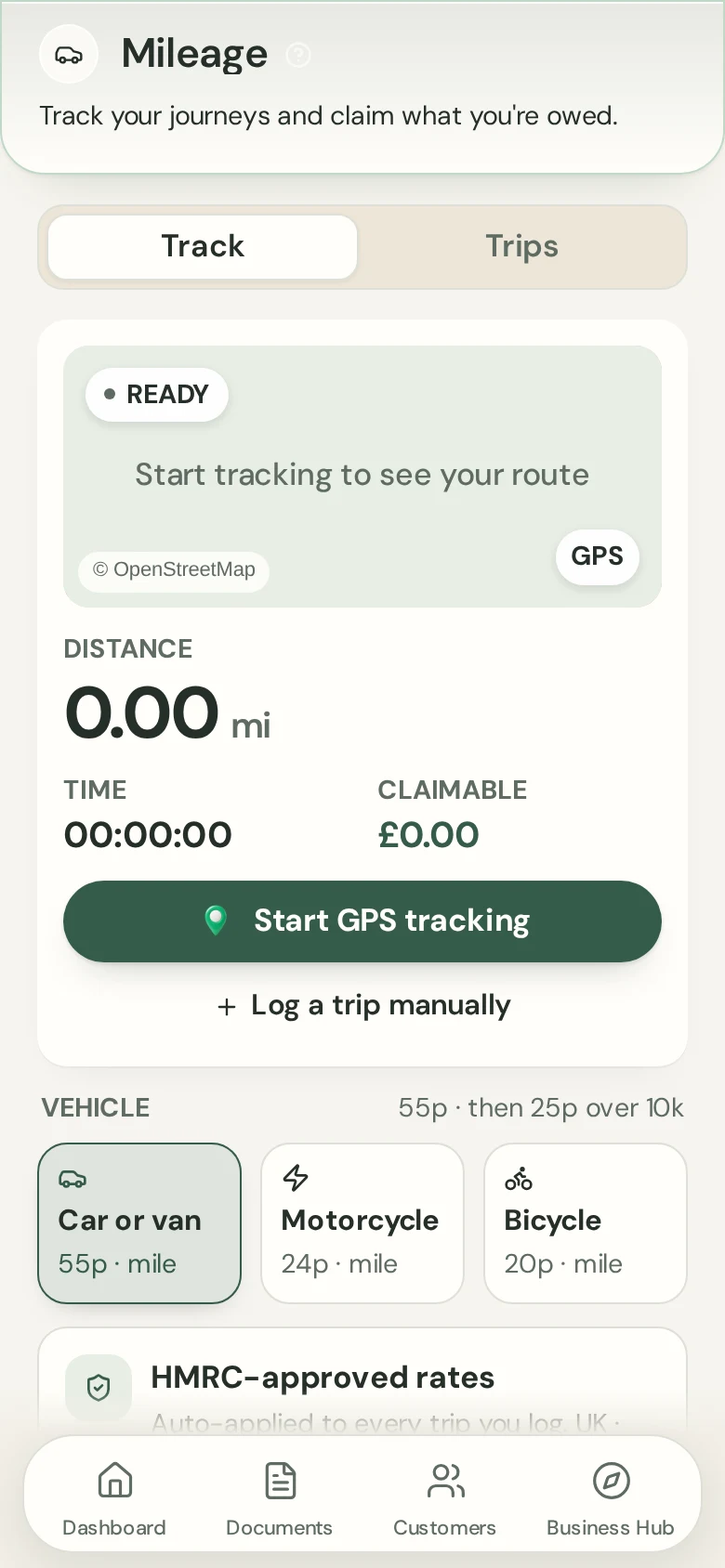
Tap Start, or add a trip by hand. Ovaro works out the claim at the 2026/27 HMRC approved rates and adds it to your expenses.
7-day free trial on either plan. Card taken at start. Cancel anytime.
Benefits
Tap Start
Track a trip with your phone's location while you drive.
Or add by hand
Enter a trip you made earlier.
Into your expenses
Each trip is saved as a mileage expense.
How it works
- 1
Start or add a trip
Tap Start, or type the miles.
- 2
Choose the vehicle
Car or van 55p then 25p after 10,000 miles; motorcycle 24p; bicycle 20p.
- 3
See the claim
The amount appears in your expenses and tax estimate.
The same account on your computer
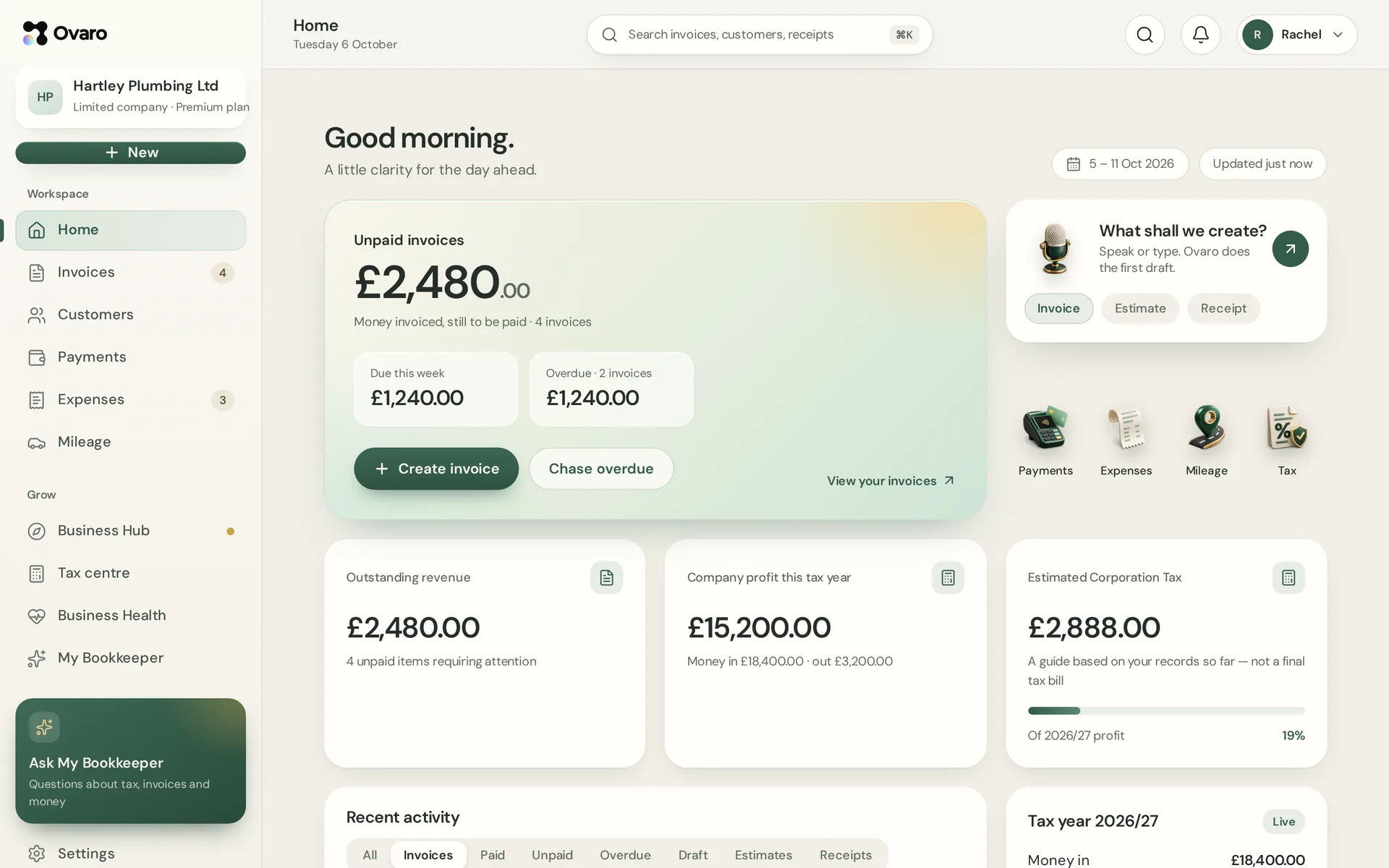
Sign in on the web and see the same documents, customers and figures as on your phone.
Questions
Does Ovaro detect trips automatically?
No. You tap Start, or add the trip yourself.
Which rates are used?
The 2026/27 HMRC approved mileage rates shown above.
Do I need location turned on?
Only to track with Start. Adding by hand works without it.